Machine translation
This English version of the course material has been machine translated from the Finnish original and may contain errors. If something is unclear, check the Finnish version of this page.
Guest lecture sessions give course points
Attending a guest lecture session on site gives you 0.33 course points, so three sessions give the full 1 point. You can also earn extra points by attending more than three sessions. Guest lecture sessions (see the schedule):
- Tuesday 24.11. 12-14 B123
- Tuesday 1.12. 12-14 B123
- Monday 7.12. 12-14 B123
- Tuesday 8.12. 12-14 B123
- Friday 11.12. 11-12 CK112
Public key
- Create a key pair by running the command
ssh-keygenon the command line- You can answer all the questions by pressing enter
- Two keys are created, a private one and a public one. They are placed in the directory .ssh under your home directory
- Go to that directory and run the command
ssh-addon the command line - Look at the contents of the directory
- The file id_rsa.pub contains the public key. It is meant to be copied to GitHub so that key-based login works
- You can see the contents of the file with the command
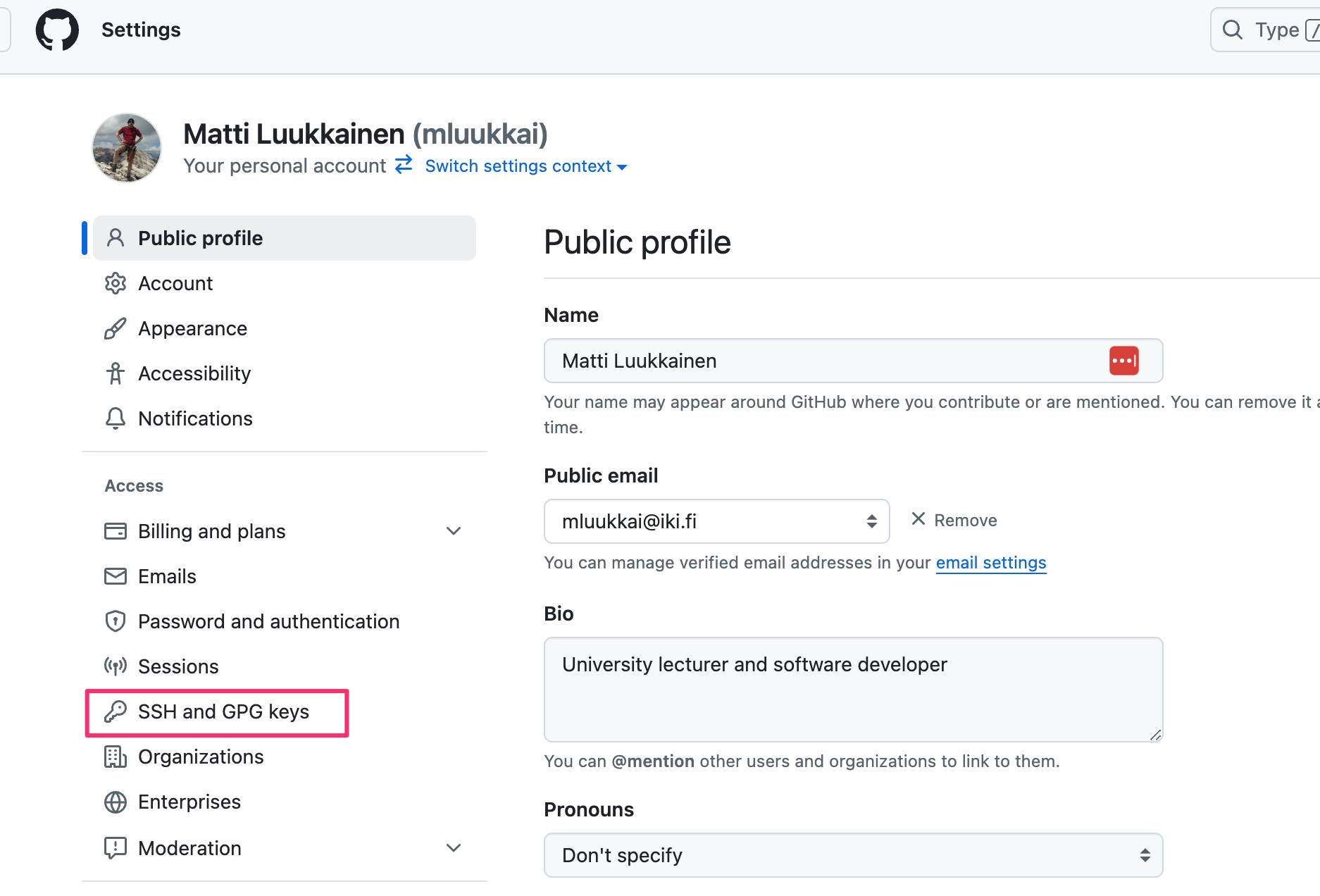
cat id_rsa.pub - Go to the GitHub settings page by clicking the icon in the top right corner and selecting Settings
- In the settings, select SSH and GPG keys
- Create a new SSH key (New SSH key)
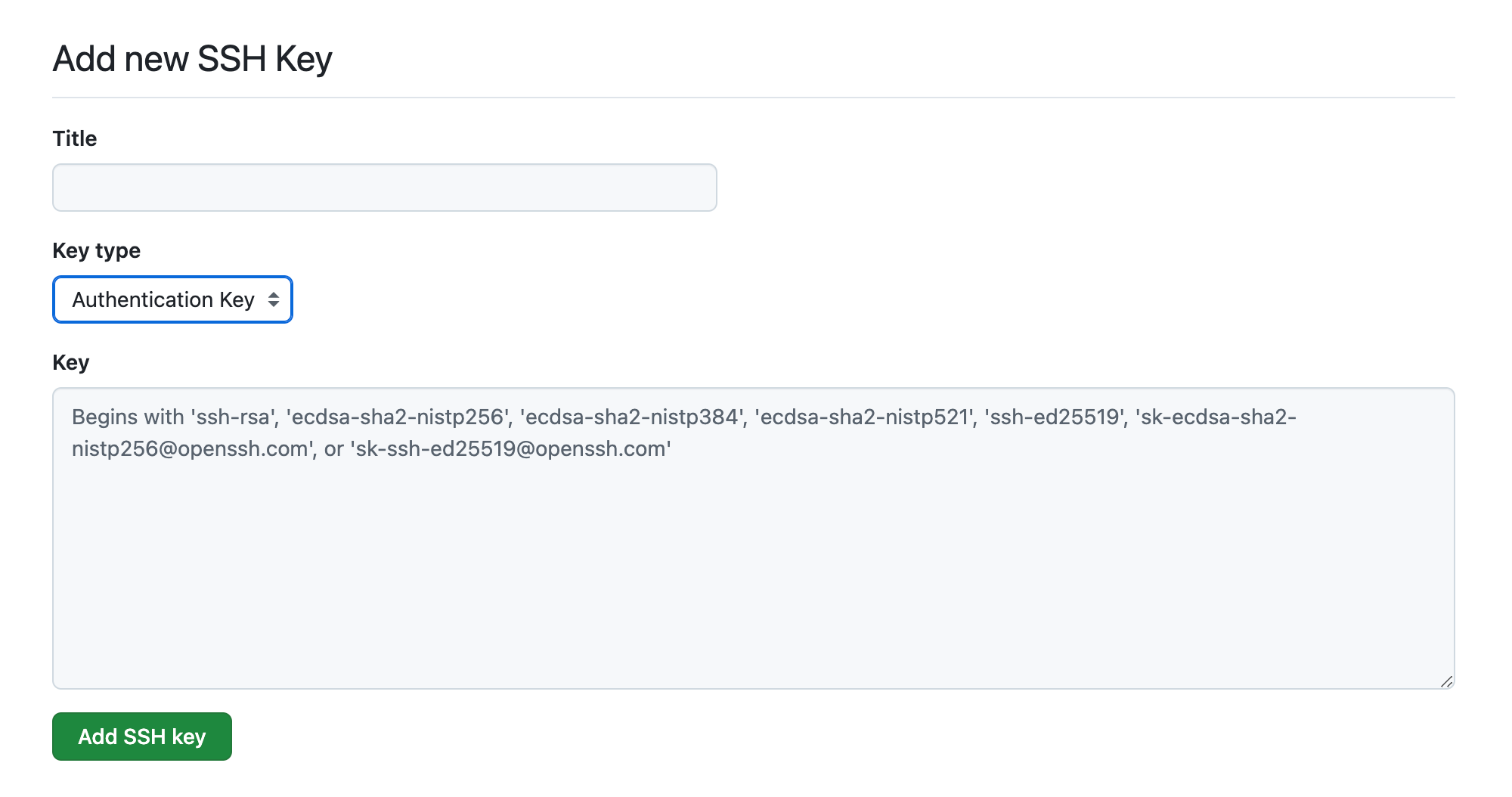
- Give the key some title (e.g. TKT) and copy the contents of the file id_rsa.pub into the key field: